

Short Lessons
Learn one idea at a time without long explanations.
For Learners & Teachers · No Account Needed
AI Coding Educator is a free resource for learning HTML, CSS, JavaScript, and practical web development through short lessons, interactive demos, an AI tutor, and a code sandbox.
Students can learn at their own pace, while teachers can use the structured 12-class curriculum to guide classroom or group instruction.
Web development is a strong first step into coding because you can see and test changes directly in the browser. These lessons introduce HTML, CSS, and basic JavaScript through practical lessons learners can follow independently or with a teacher.
Learn one idea at a time without long explanations.
Build pages, test ideas, and see real results.

Experiment freely in a browser-based code sandbox.

Ask questions and get clear explanations when you're stuck.
Start with the core ideas used to structure, style, and lay out web pages, then practice them directly in the browser.
Start HereLearn how headings, paragraphs, links, images, and other elements organize the content of a page.
Control colors, typography, spacing, borders, backgrounds, and the visual details that shape a website.
Change page content, respond to button clicks, and work with simple user input.
Build small examples, test changes, find mistakes, and learn how developers improve a page step by step.
Combine clear lessons, interactive examples, an AI tutor, and a code sandbox so you can learn, test, and ask questions without leaving the site.
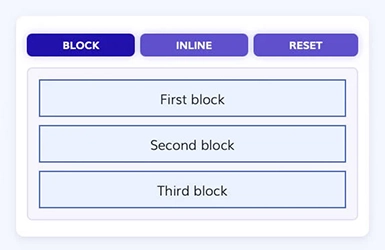
See how code works through visual examples you can examine and understand.
Try a Demo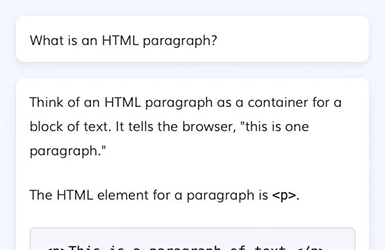
Get clear explanations, examples, and guidance whenever you need help.
Ask the AI Tutor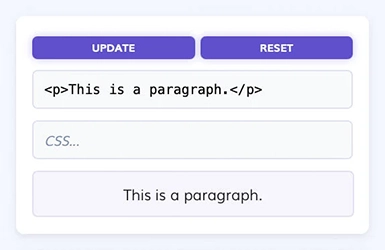
Write, change, and test HTML, CSS, and JavaScript in a safe environment built for practice.
Open the SandboxFollow the lesson plan from web concepts through HTML, CSS, and JavaScript, building the skills needed to understand and create a basic website.
Learn what websites are made of and how code becomes the page you see in a browser.
Explore Web ConceptsUse headings, paragraphs, links, images, and other elements to organize your content.
Start HTML LessonsAdd color, typography, spacing, layout, and responsive behavior to your pages.
Start CSS LessonsChange content, respond to actions, and make pages interactive.
Start Javascript LessonLearn practical web coding with clear lessons and hands-on tools, or use the complete 12-class curriculum to bring structured web development instruction into your classroom.