
Placeholder vs Value in HTML: What Is the Difference?
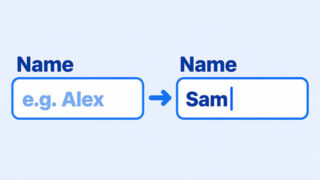
Text inside a field can be a temporary hint or an editable answer. Try two labeled fields, then clear a starting value to see when the hint appears.
Text inside a field can be a temporary hint or an editable answer. Try two labeled fields, then clear a starting value to see when the hint appears.
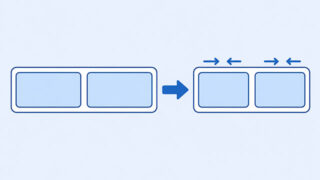
A box can become narrower after you put it in a flex row. Follow two simple boxes to see where the missing width goes and choose what happens when space runs out.
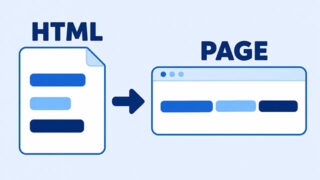
Your HTML file can spread text across several lines while the browser displays it as one paragraph. Compare three small examples to see which changes create a visible break.

You wanted a see-through background, but the words faded too. A small card example shows which line to replace and why changing the text alone cannot fix it.
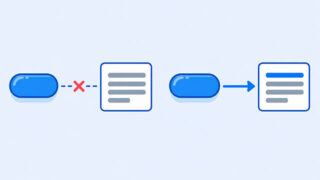
If clicking your button seems to do nothing, check what it is meant to change and whether your HTML and JavaScript point to the same page elements.
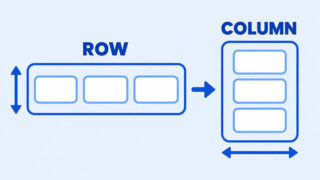
If align-items seems to move items sideways, your Flexbox direction probably changed. Learn how the main and cross axes make the behavior predictable.
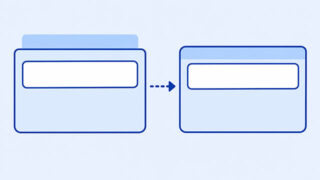
A heading’s margin can seem to move an entire section. Learn what is happening and how to choose between margin and padding.

If a hover effect changes smoothly but returns instantly, the transition is probably in the hover rule. See where it belongs and how to check your CSS. Primary keyword: Why does my CSS hover transition snap back?

CSS height: 100% often fails because percentage heights depend on the parent having an explicit height. Learn how to diagnose the issue and make full-height elements work reliably with CSS.
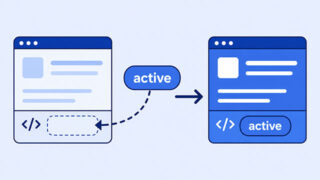
JavaScript can add the right class while the page still looks unchanged. Follow five beginner-friendly checks to find the mismatch between your JavaScript, HTML, and CSS.
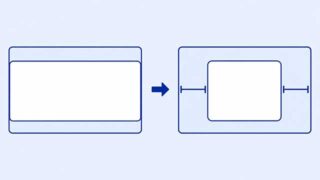
If margin: auto does not visibly center an element, check whether the box has leftover horizontal space and whether it behaves as a block.
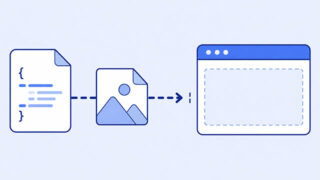
A CSS background can disappear because the browser cannot find the file, the rule misses the element, or the element has no visible space. Work through five beginner-friendly checks to find the cause.