
Why Is My CSS Box Wider Than the Width I Set?
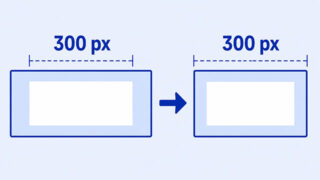
A box can be wider than its CSS width even when the number is correct. This beginner-friendly explanation shows where the extra space comes from and how to fix it.
A box can be wider than its CSS width even when the number is correct. This beginner-friendly explanation shows where the extra space comes from and how to fix it.
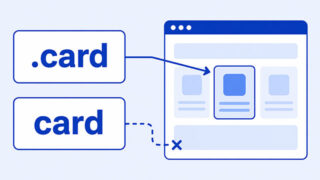
If a CSS selector is not working, the rule may not match your HTML, another rule may be winning, or the property may not create the visible change you expected.
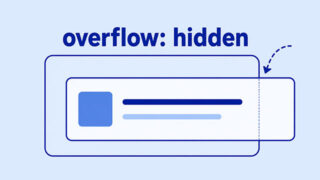
If overflow hidden is not doing what you expected, the problem is usually the box it is applied to, the size of that box, or a related layout rule.
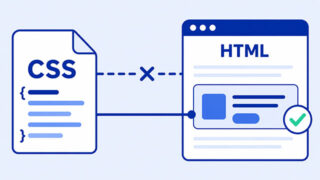
If your CSS is not changing your HTML page, use this beginner-friendly checklist to find whether the file is loading, the selector matches, or another rule is winning.

If z-index is not changing which element appears in front, this guide shows the beginner checks to make first: overlap, position, parent groups, and simple layer order.

A beginner-friendly explanation of href=”#”, page fragments, placeholder links, and how to choose the right HTML element for navigation or actions.

If your CSS media query is not working, the problem is usually the breakpoint, the mobile viewport width, or another CSS rule overriding it.

Flexbox and Grid are both CSS layout tools, but they solve different layout problems. This article gives beginners a practical way to choose between them.

If position sticky is not working, the problem is usually the offset, the parent container, the scroll area, or the layout around the sticky element.

Learn why justify-content may not work in CSS Flexbox, including parent-child setup, flex direction, direct children, and missing available space.

display: none and visibility: hidden both hide elements, but they do not affect layout the same way.

Learn why hover effects don’t behave the same on touch screens and how to build interactions that work on every device.